Open source · Chrome · v0.34.3

Every tab.
One shortcut.

Search tabs, bookmarks, history, and the web from one private command surface—without leaving the page you're on.

Open anywhereKCtrl Shift K on Windows / Linux
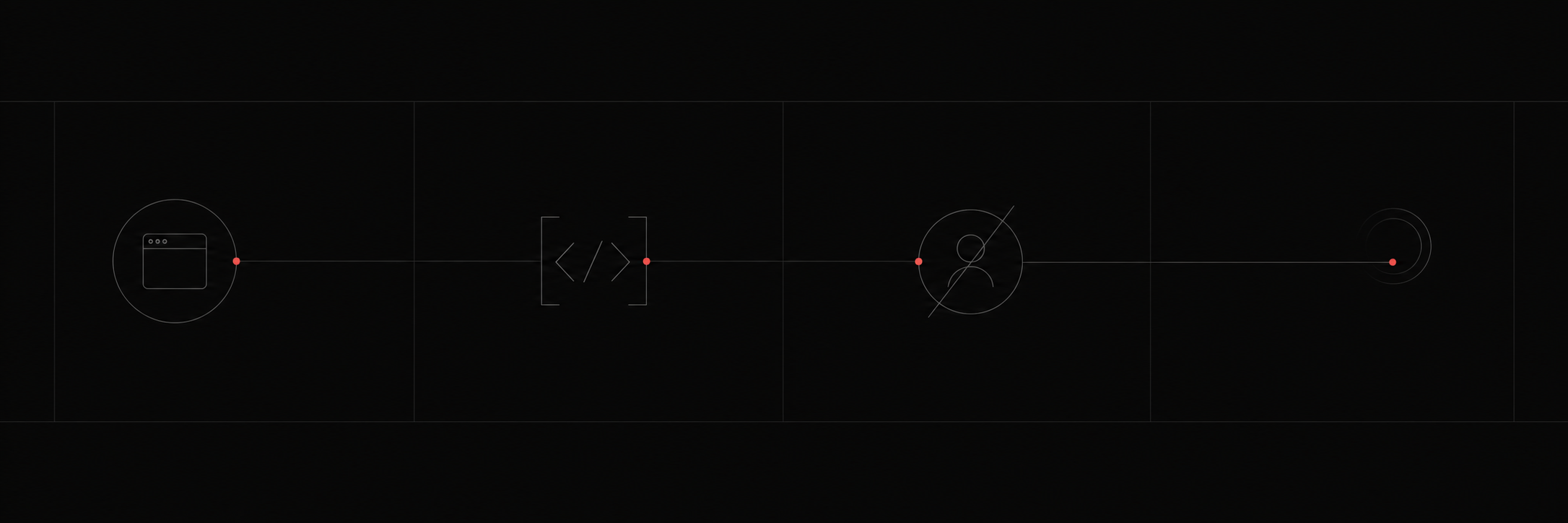
A quiet signal path connecting local browsing, open code, account-free access, and zero telemetry
Local-firstYour data stays in Chrome
Open sourceMIT licensed on GitHub
No accountInstall and start switching
No telemetryZero tracking by design
Less tab hunting. More flow.

Chrome tabs multiply.
Your attention shouldn't.

TabKnight turns scattered browser state into one fast, searchable command surface.

Find an open tab, recover a page from history, launch a bookmark, open a URL, or search the web—then act without reaching for the mouse.

01 / FIND ANYTHING

Your browser, finally searchable.

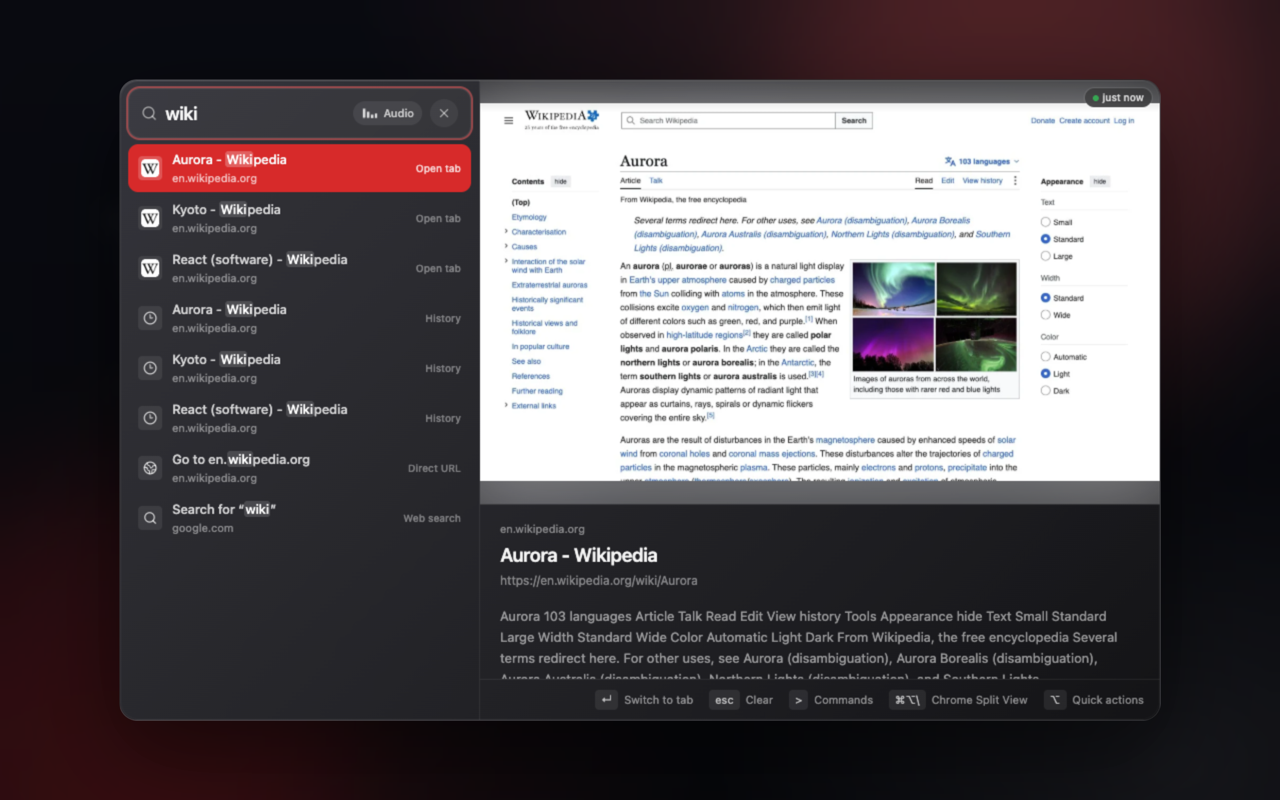
One query spans every Chrome window, bookmarks, recent history, direct URLs, and web search. Results stay grouped and easy to scan.

  • Universal, fuzzy intent search
  • Fresh previews that resolve in place
  • Keyboard-first navigation and actions
Universal search

Tabs are only the beginning.

Jump across tabs, bookmarks, history, direct URLs, and Google results.

Quick actions

Act before you switch.

Close, duplicate, pin, mute, and manage a result from the same surface.

Native Split View

Put pages side by side.

Send the selected page into Chrome Split View without rebuilding your flow.

02 / COMMAND

Type > when you know the action.

The command mode gives browser controls a searchable home, while the action bar keeps the next move visible at the bottom of the palette.

>split view
TabKnight universal search showing tabs, history, a direct URL, and web search
Private by architecture

Your tabs are your business.

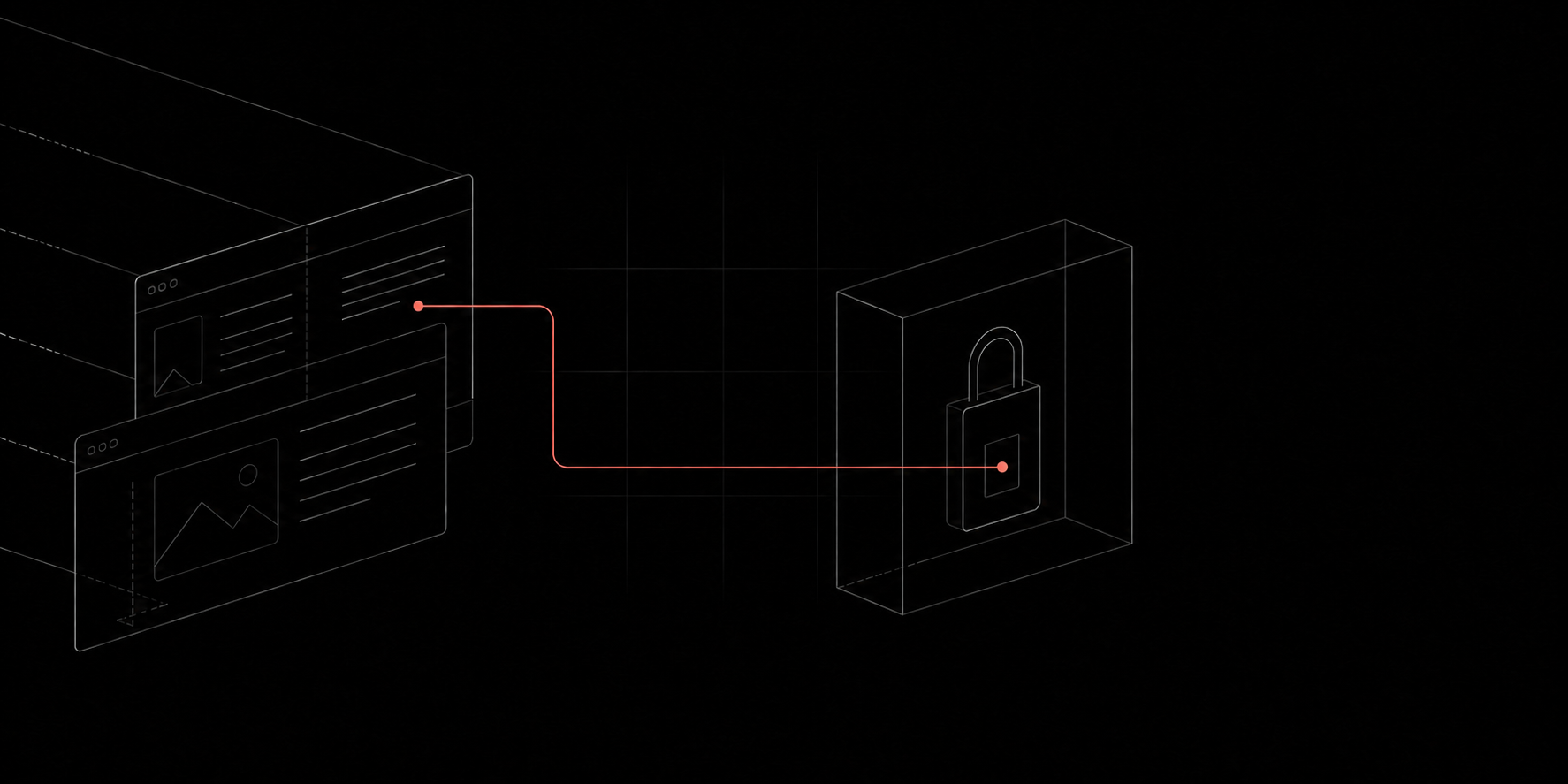
No servers. No accounts. No analytics. Tab titles, URLs, snippets, and preview thumbnails stay on your device.

0trackers
0accounts
Localbrowser storage
Read the privacy policy
Built in the open

Inspect it. Improve it. Make it yours.

Browse repository
LicenseMIT

Use, study, modify, and share.

Built withReact + TypeScript

A small, typed extension core.

PlatformManifest V3

Modern Chrome extension architecture.

Install from source

Three steps from shortcut to flow.

TabKnight is an open-source Chrome build. Clone it, build it with Bun, and load the generated folder into Chrome.

Open install guide
  1. 1
    Clone the repositorygit clone github.com/AitorGallardo/tabknight
  2. 2
    Build TabKnightbun install && bun run build
  3. 3
    Load the extension

    Chrome → Extensions → Load unpacked → choose dist/